


ENET detection & identification
Automatically detects ENET and identifies the connected vehicle and engine ECU.
 TUNINGالعربيةWhatsApp ↗
EL MILIGY SOFTWARE · WINDOWS · ONLINE 0.1.9
Disable selected supported diagnostic trouble codes in your BMW engine ECU software through an ENET connection, then program the modified software with checksum correction.
0.1.9 · Windows · 133.0 MB
El Miligy DME Online Tuning 0.1.9.exe
Disabling a DTC changes its reporting configuration in the ECU software. Clearing fault memory removes recorded faults. Neither repairs the underlying mechanical or electrical fault.
DME ONLINE · 32 INTERFACE PREVIEWS
All 32 rendered customer-interface previews. Vehicle details, DTC states, programming progress, results, errors and update offers use simulated example data.
8 images · Auto every 3 seconds
 Enlarge ↗
 Enlarge ↗
 Enlarge ↗
 Enlarge ↗
 Enlarge ↗
 Enlarge ↗
 Enlarge ↗
 Enlarge ↗
5 images · Auto every 3 seconds
15 images · Auto every 3 seconds
 Enlarge ↗
 Enlarge ↗
 Enlarge ↗
 Enlarge ↗
 Enlarge ↗
 Enlarge ↗
 Enlarge ↗
 Enlarge ↗
 Enlarge ↗
 Enlarge ↗
 Enlarge ↗
 Enlarge ↗
 Enlarge ↗
 Enlarge ↗
 Enlarge ↗
4 images · Auto every 3 seconds
IDENTIFY. SELECT. PROGRAM.
Automatically detects ENET and identifies the connected vehicle and engine ECU.
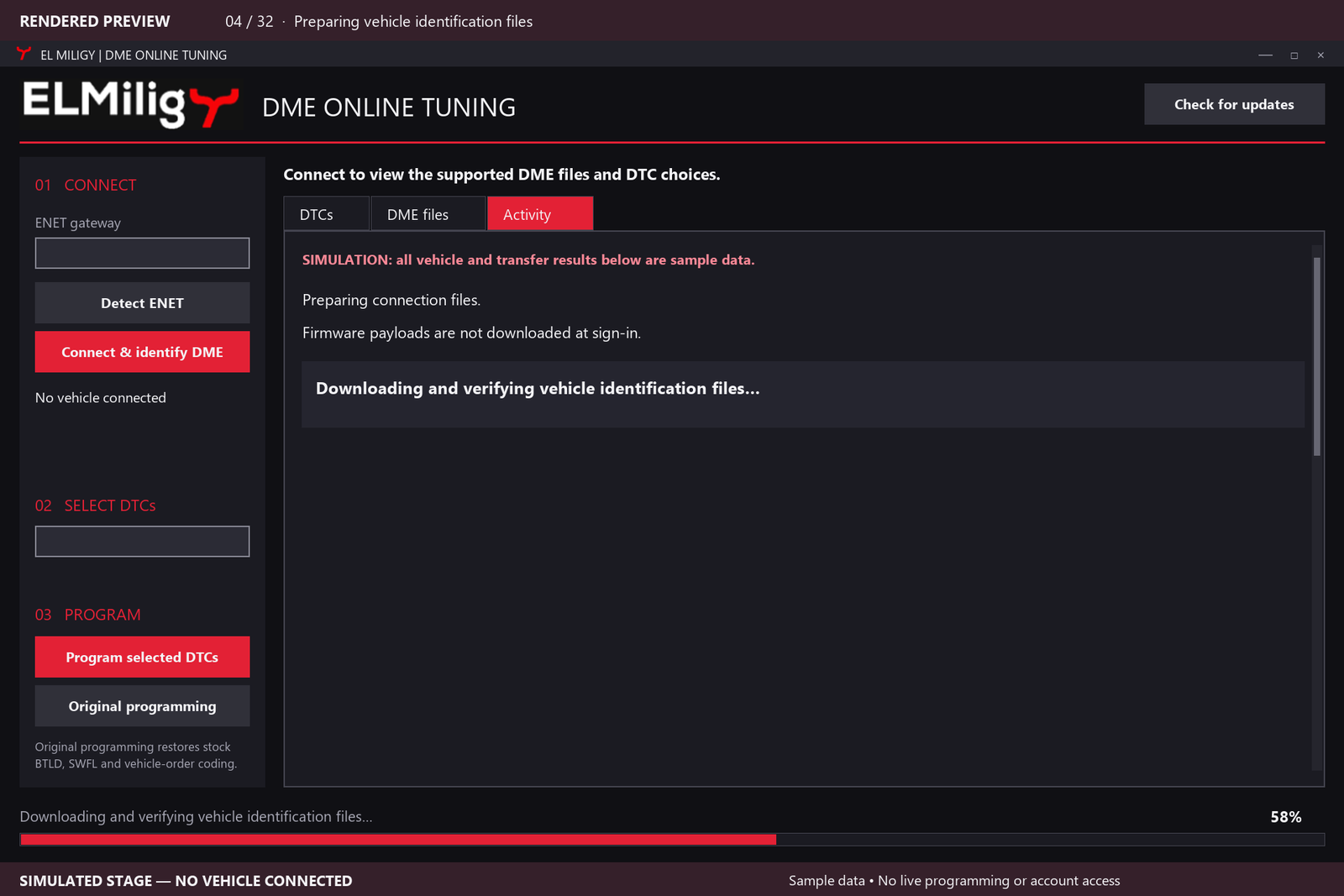
Downloads required connection components after sign-in. Firmware is obtained when needed for programming.
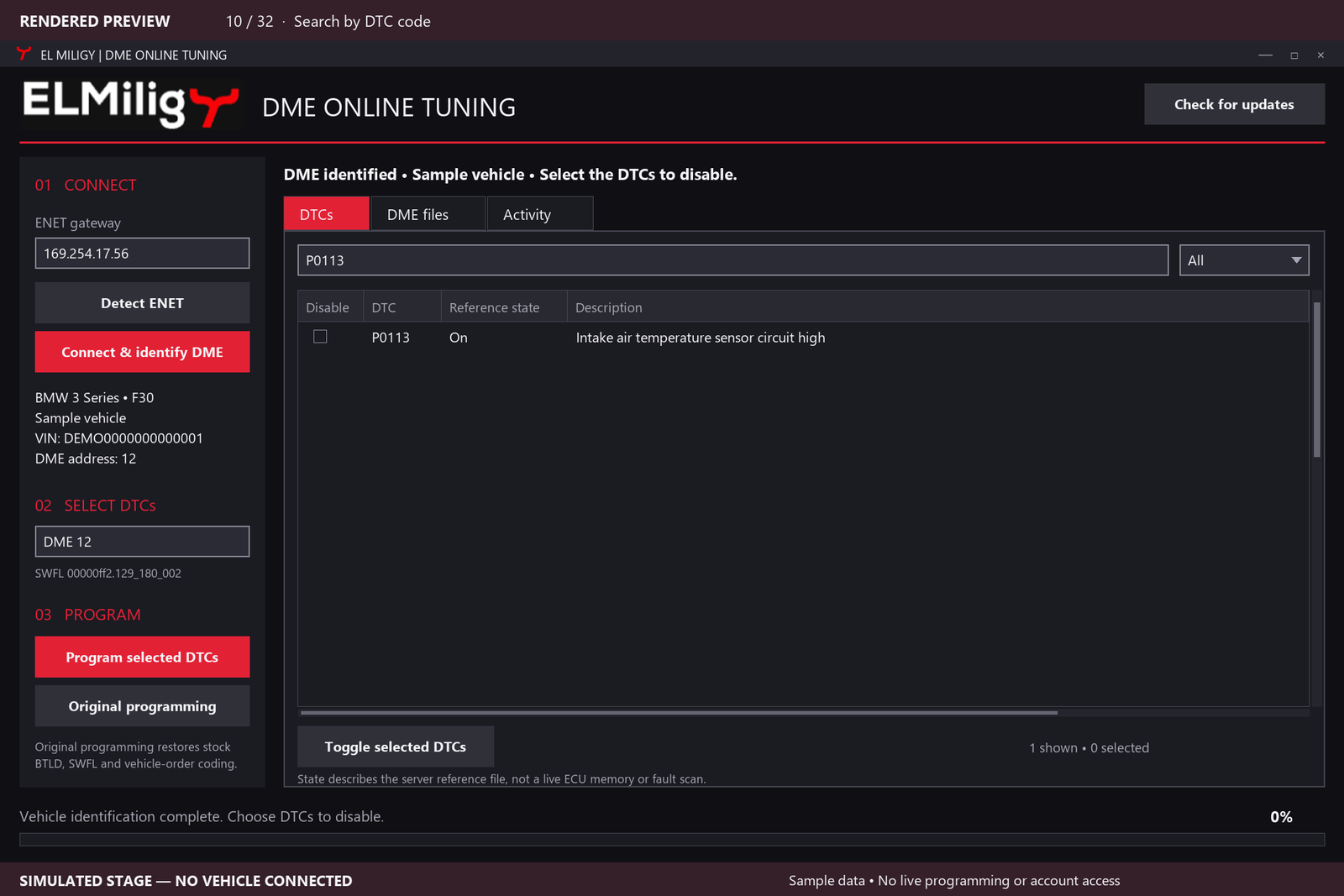
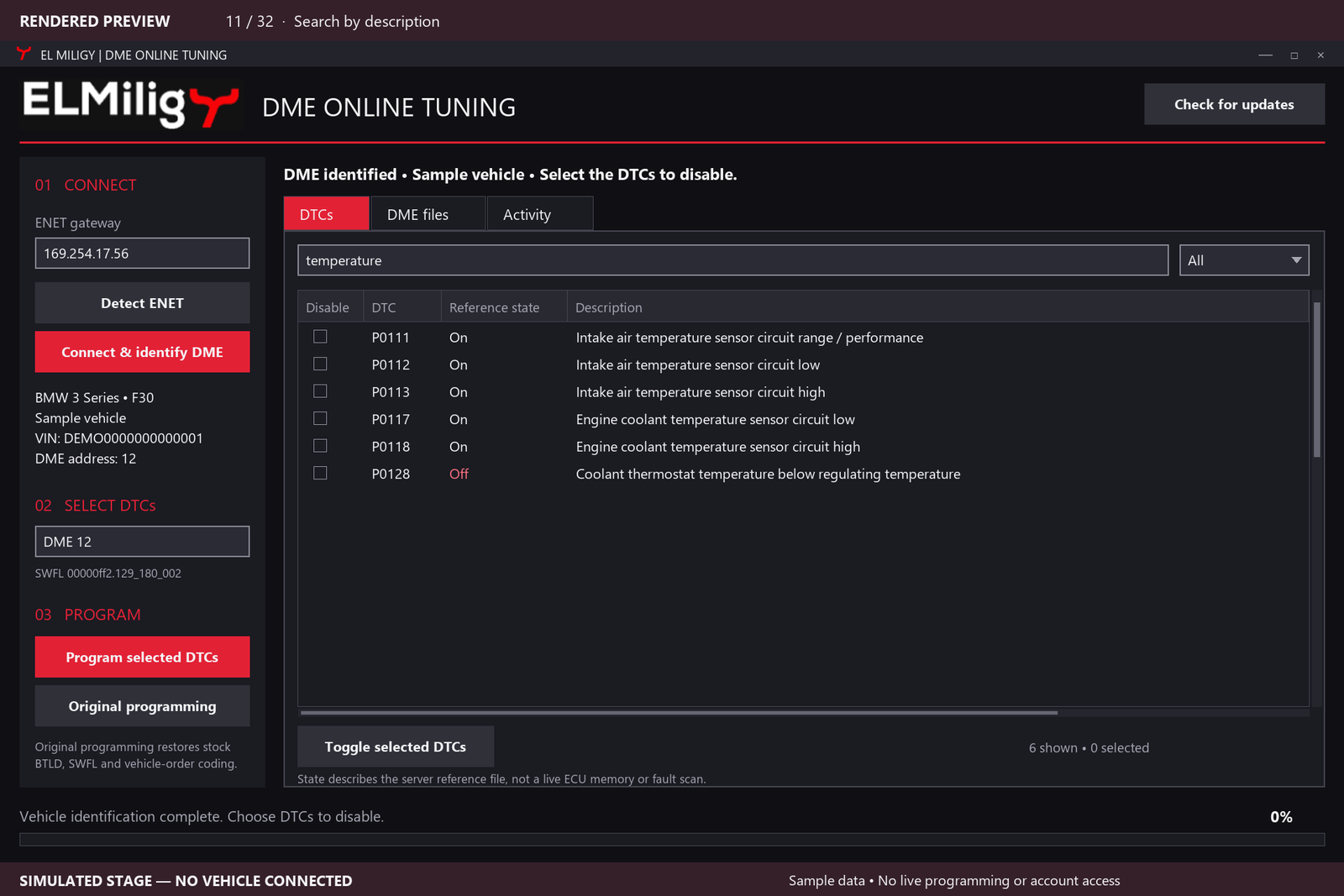
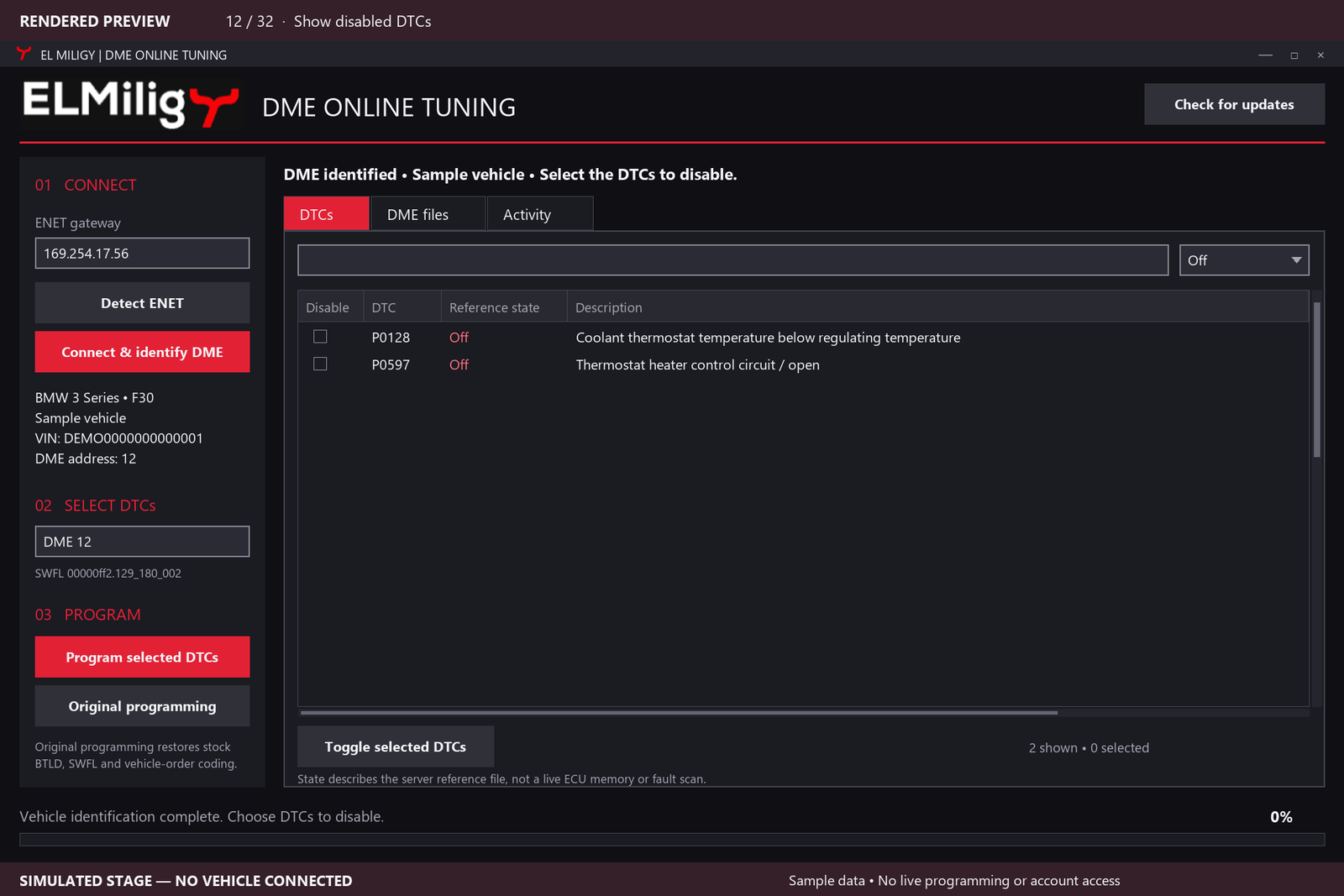
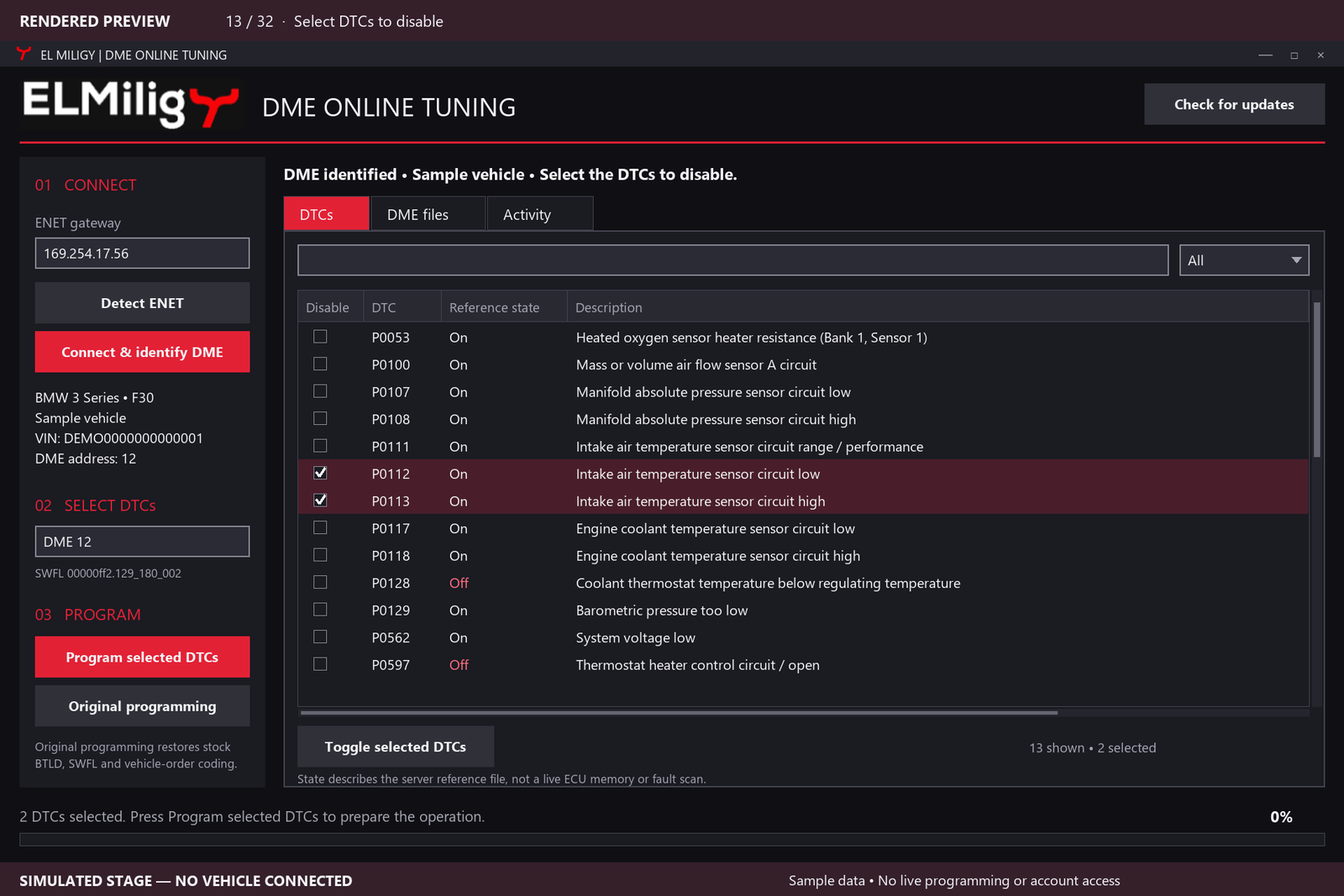
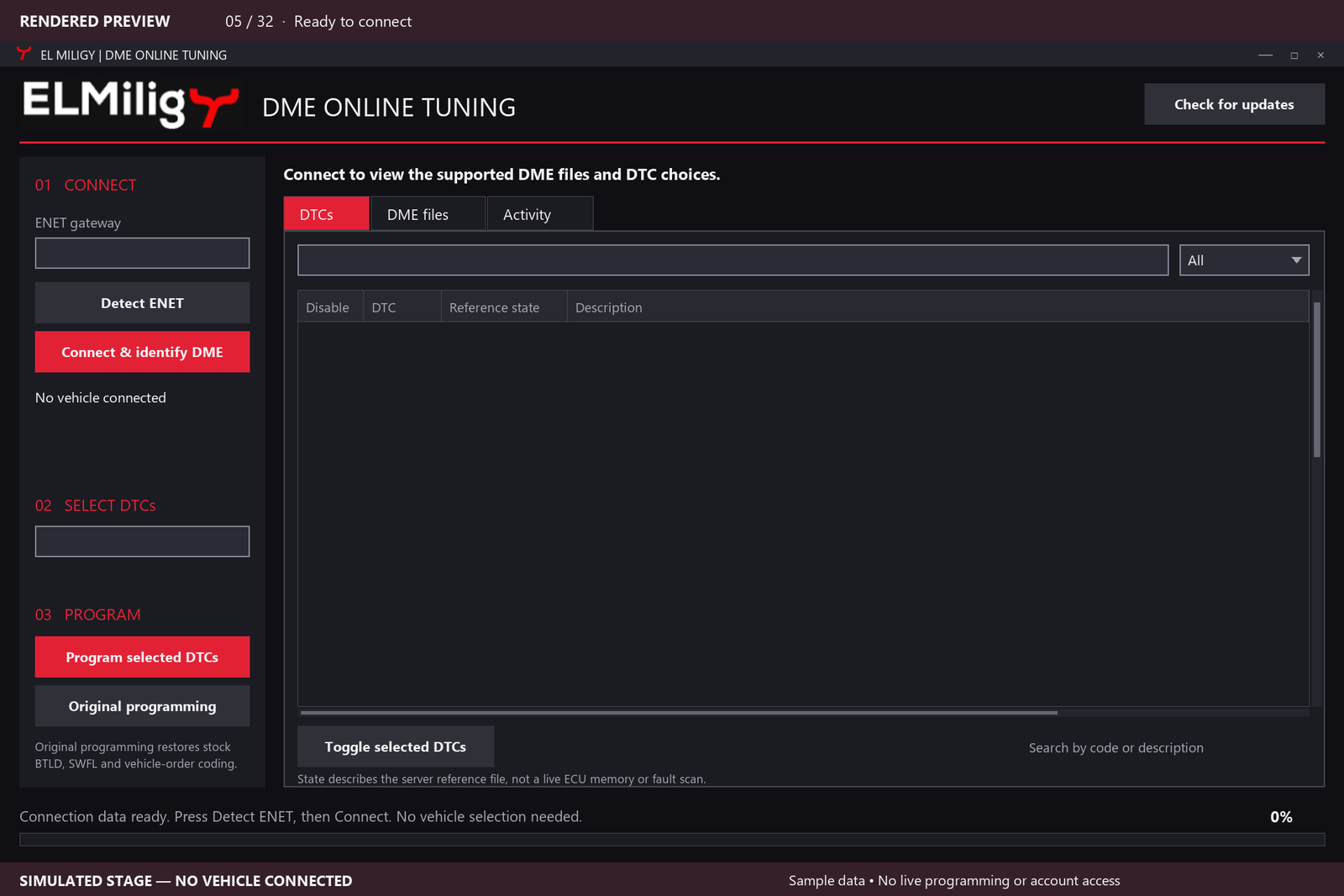
Displays available DTC choices for the identified, supported software. Search by code or description and select individual DTCs.
Automatic checksum correction within the supported programming workflow.
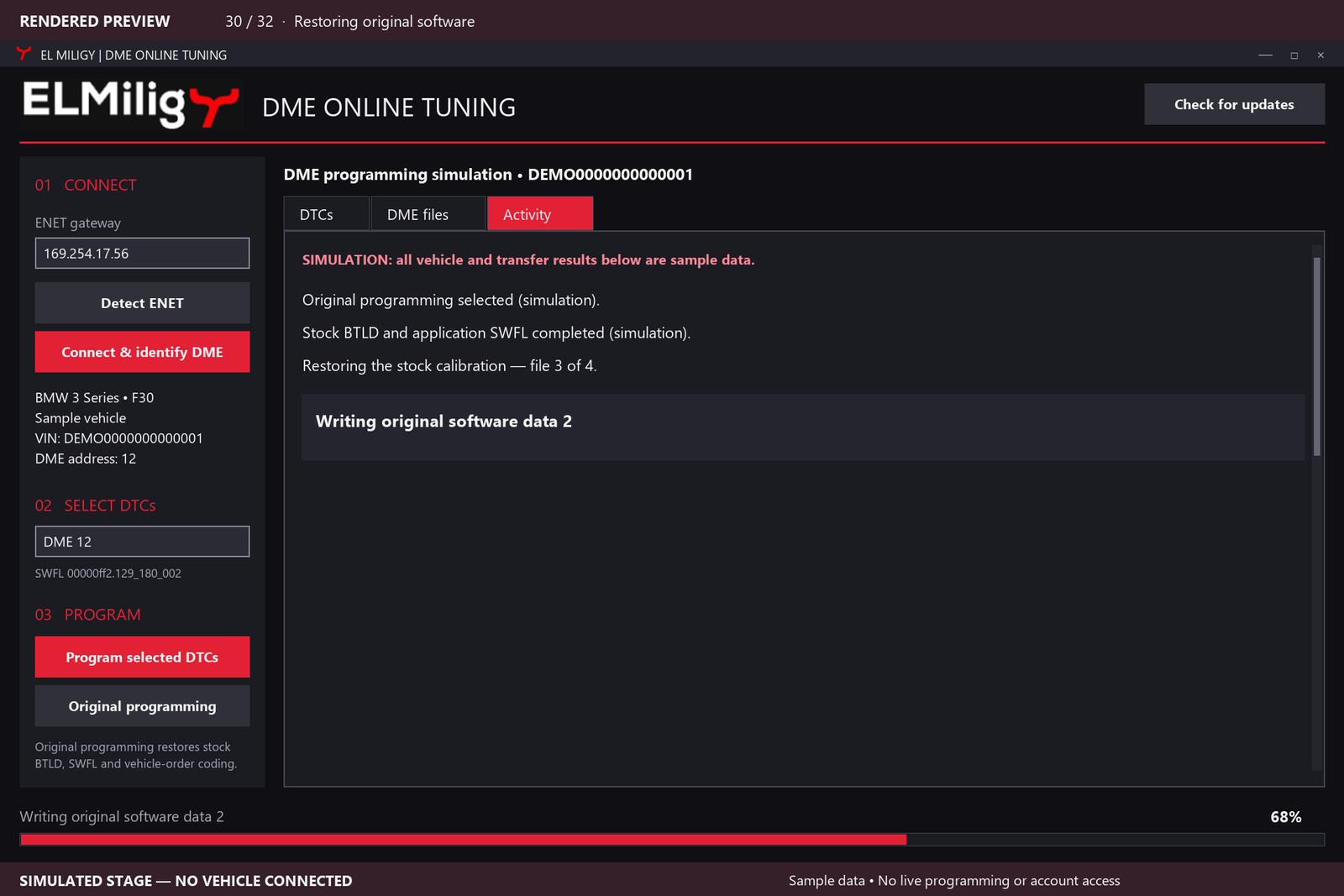
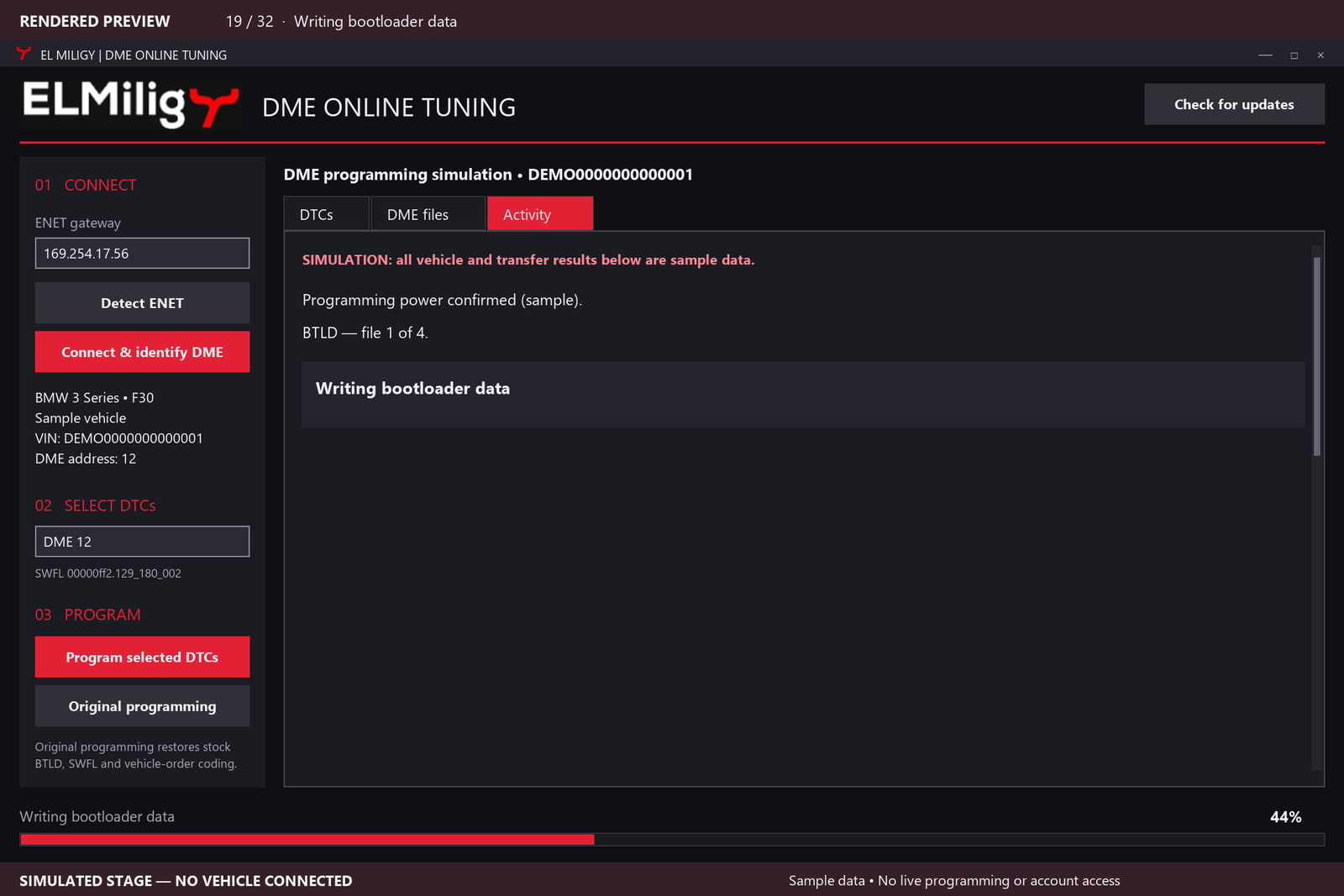
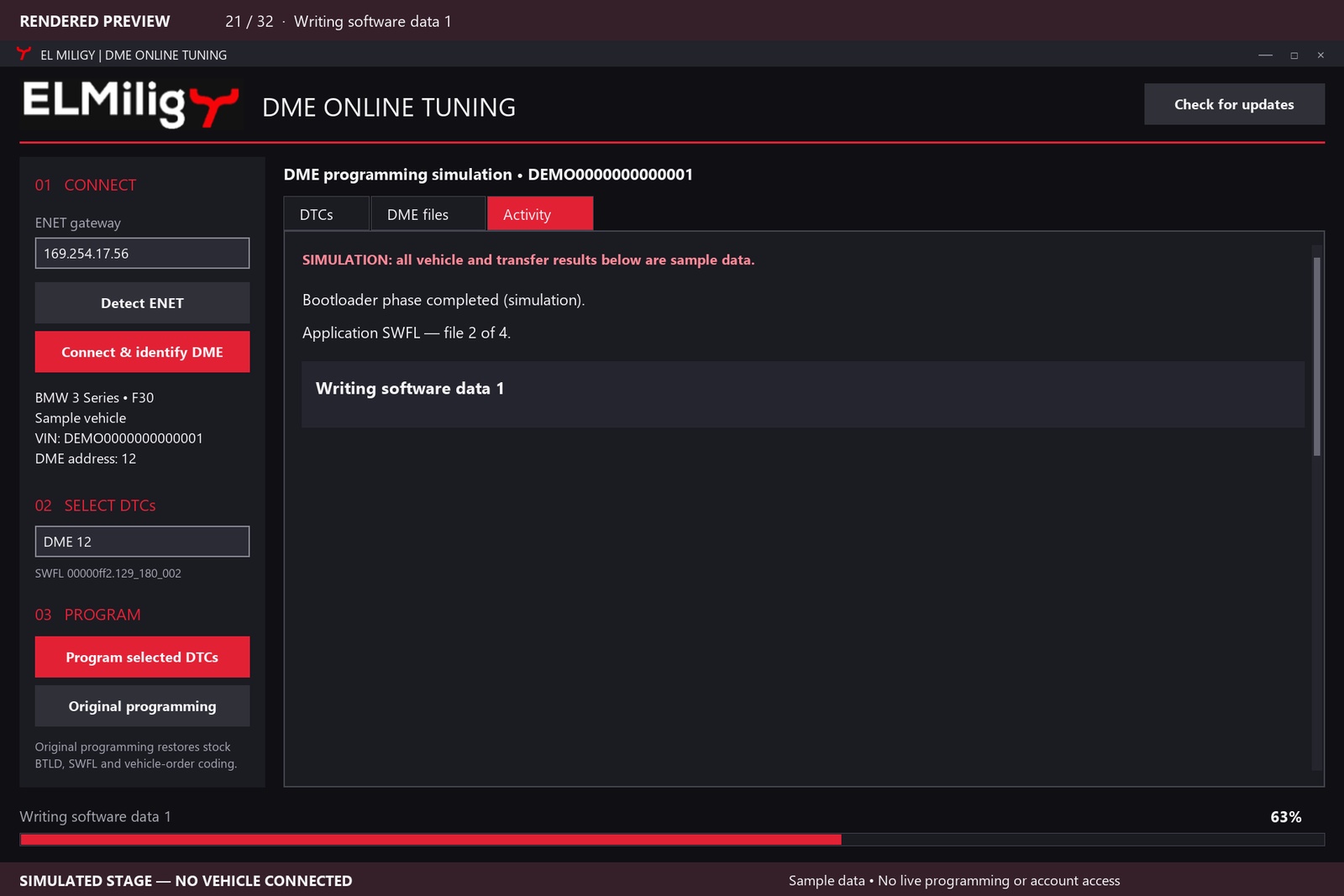
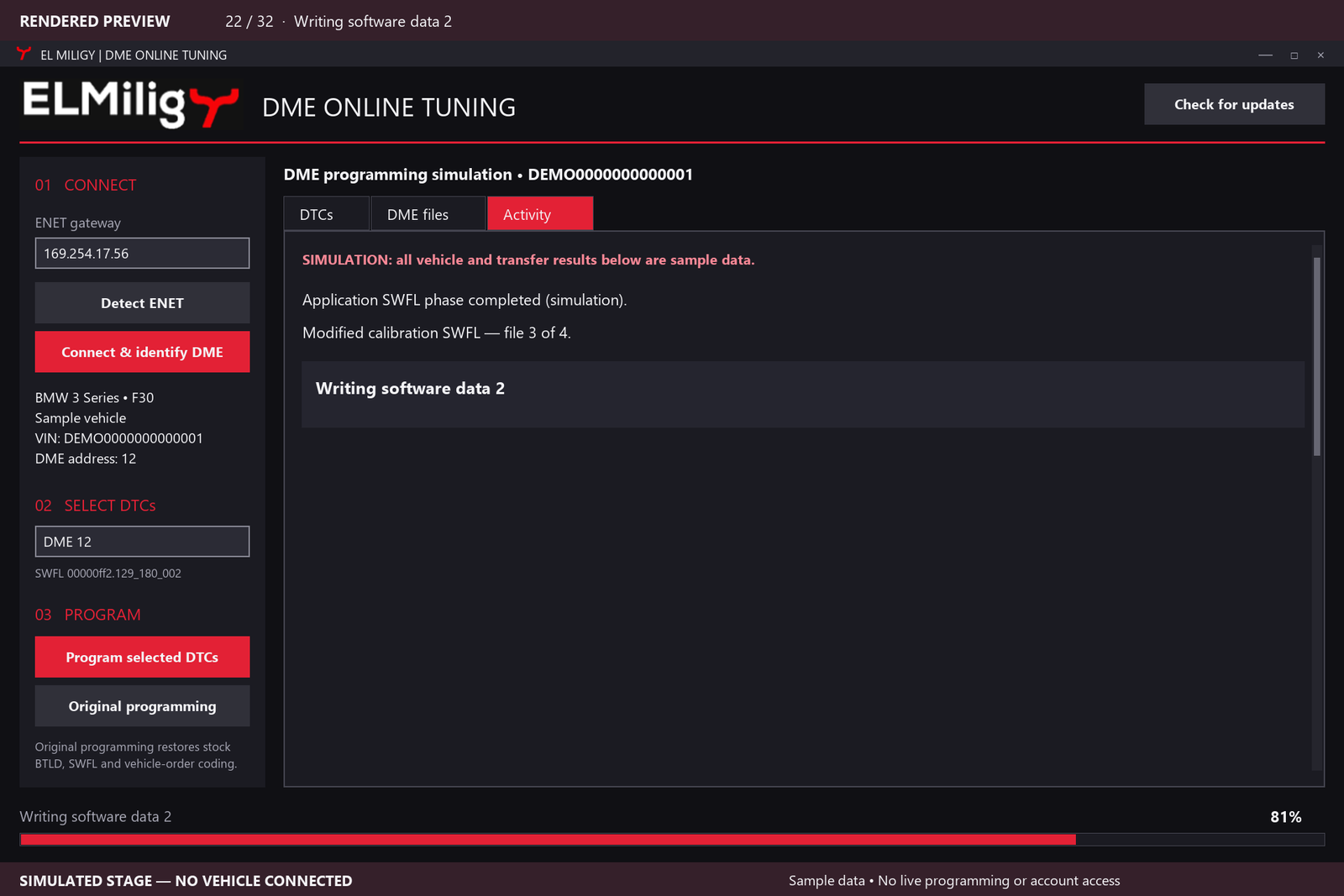
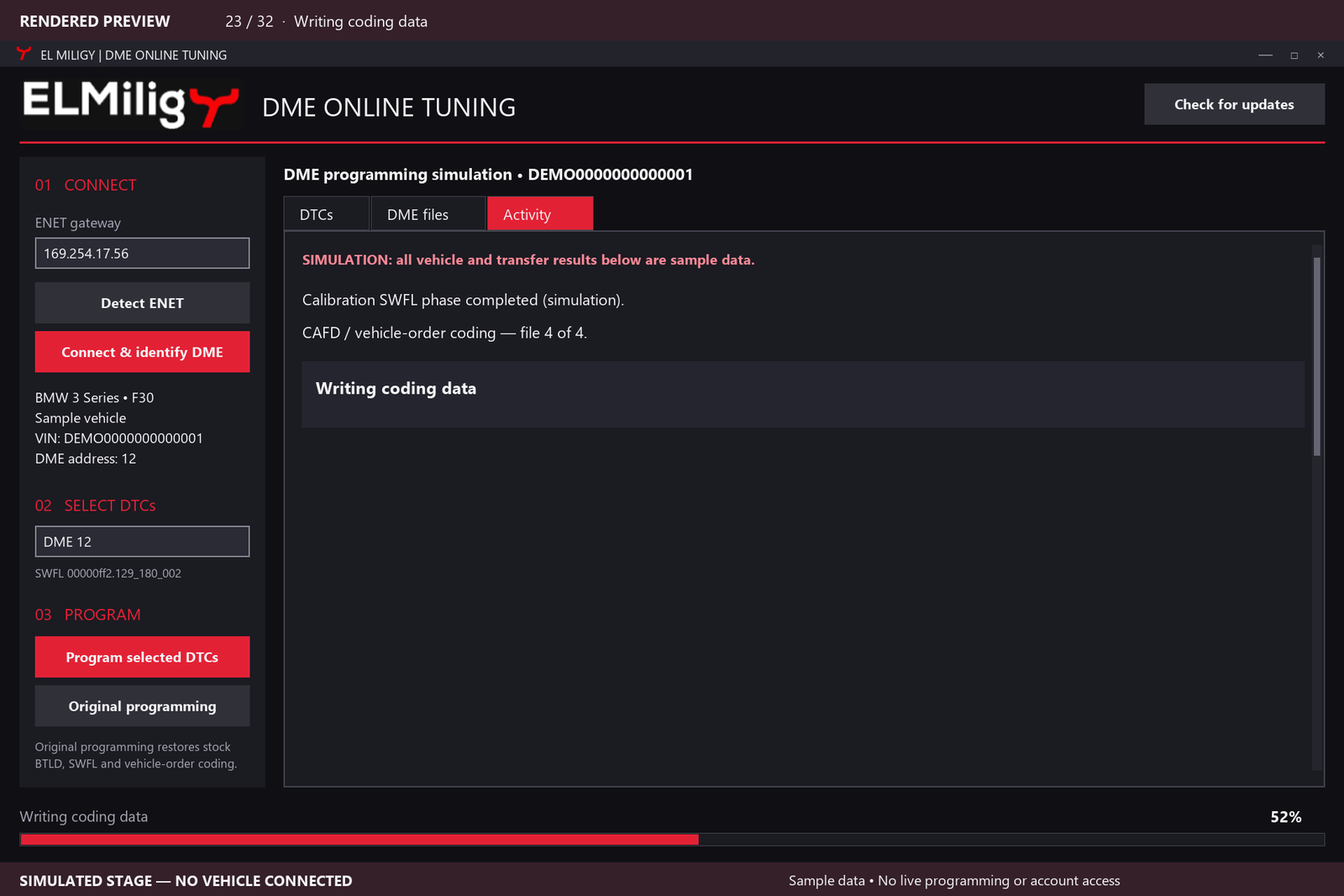
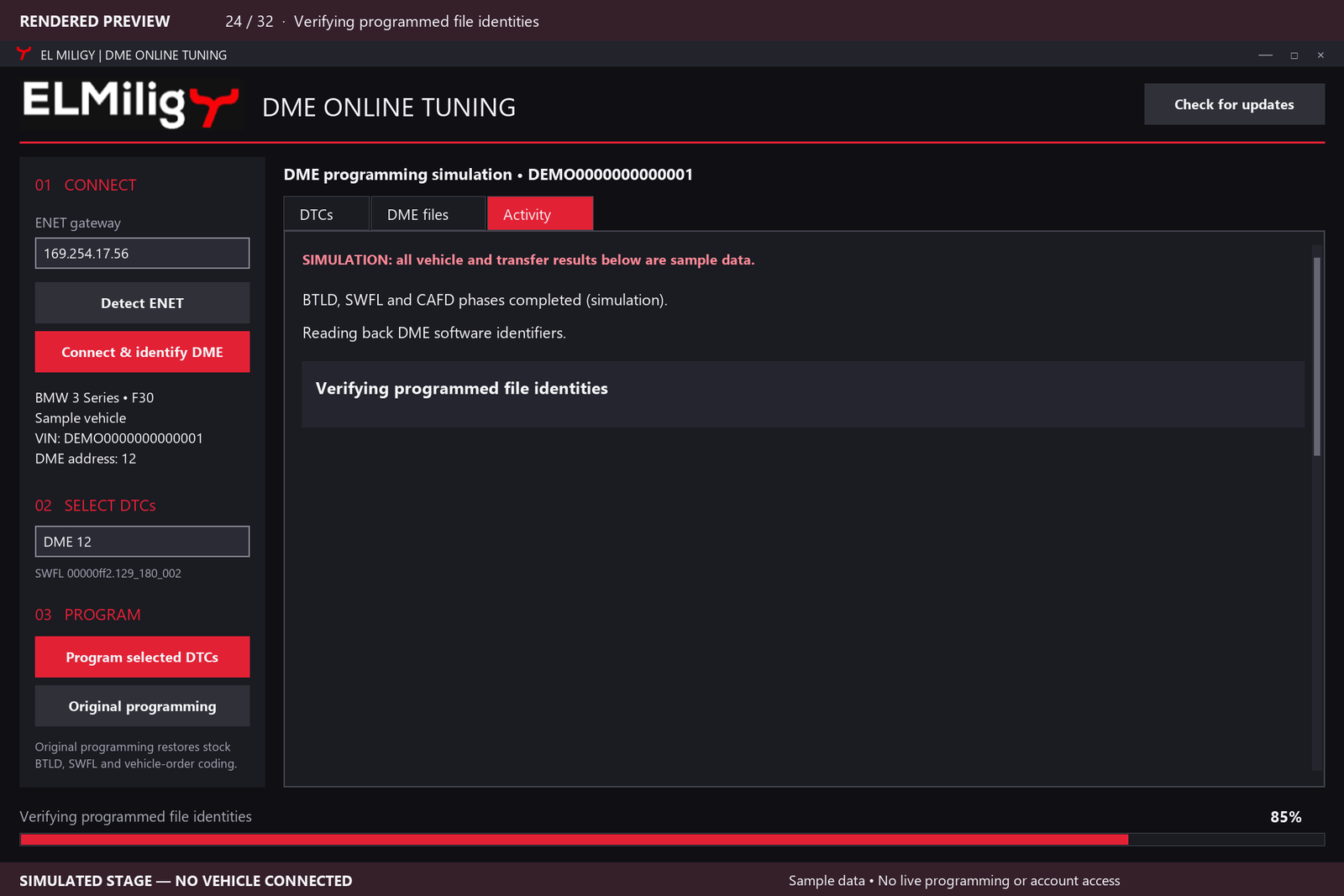
Programs the required bootloader, software and coding data, with progress indicators and descriptions of the current step.
A separate Original programming option uses compatible stock files.
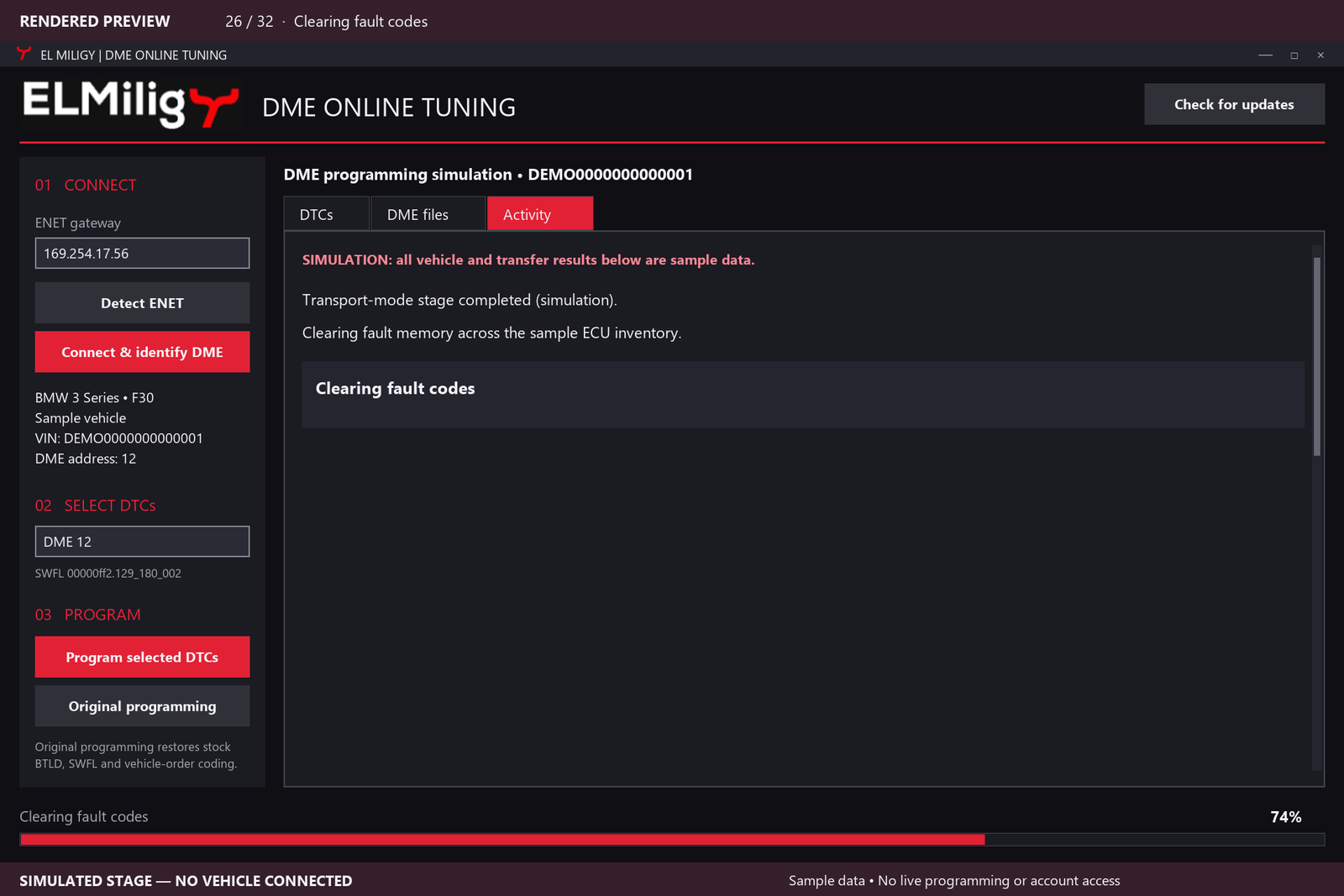
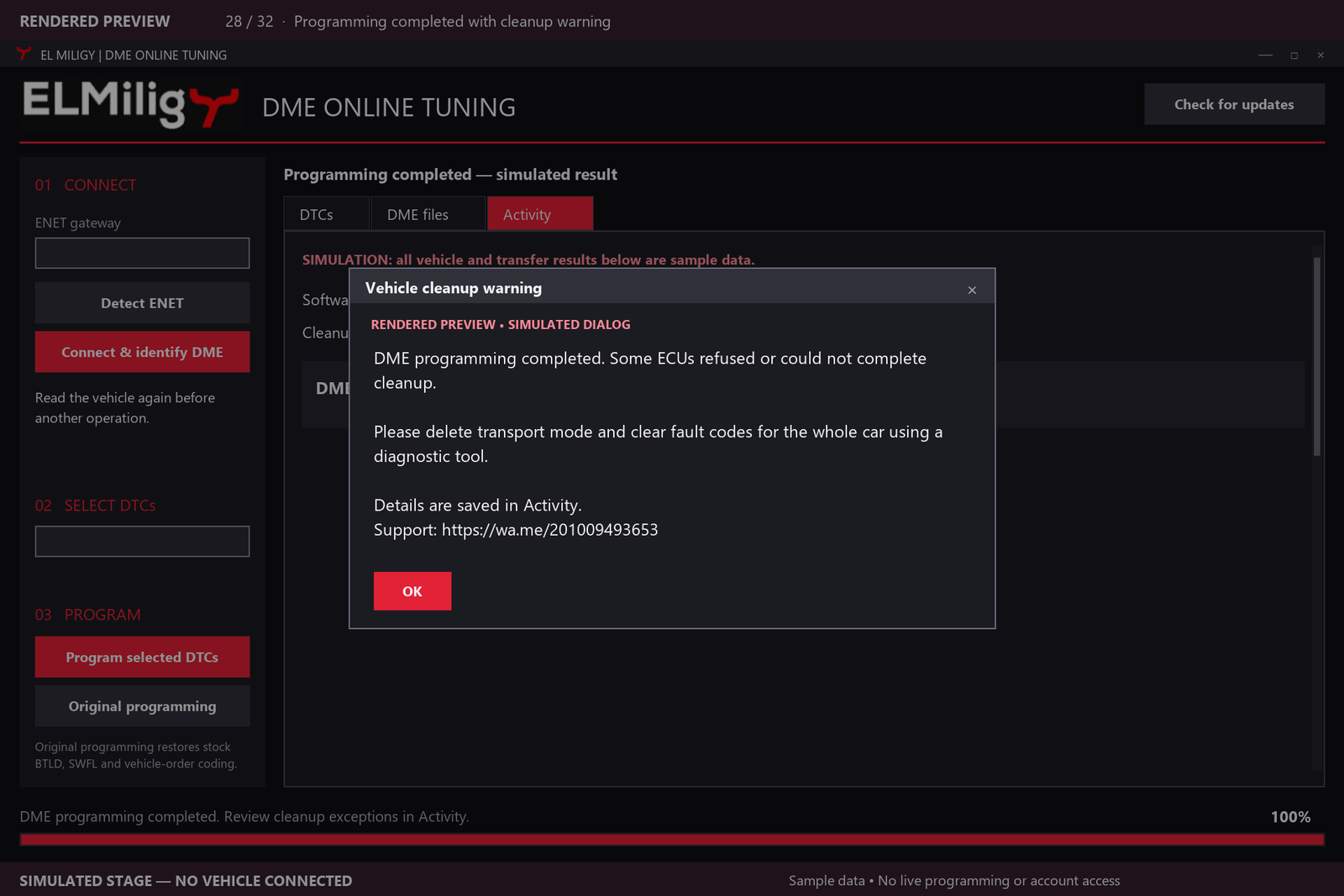
Attempts transport-mode removal and whole-car fault clearing. Warnings identify ECUs that need manual attention.
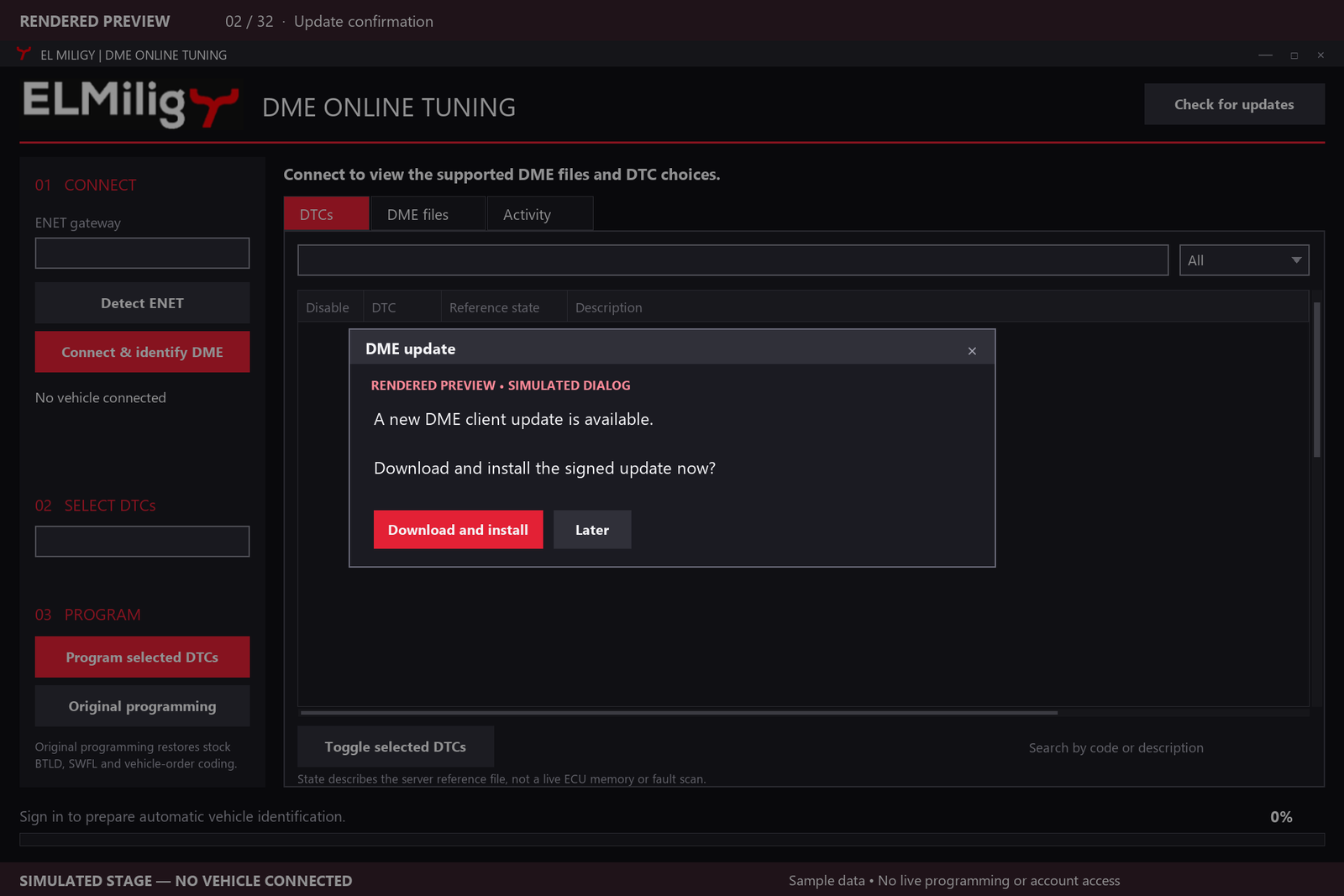
Receives online updates, with customer confirmation before installation.
Account access is linked to the customer’s PC. Contact El Miligy directly on WhatsApp for support.
Let the application prepare the required connection files.
Press Detect ENET, then Connect & identify DME.
The application identifies the vehicle and checks its actual engine software against the database.
Browse the available choices, search by code or description and select individual DTCs.
The application prepares the changes, corrects checksums and programs the required files while displaying progress.
It attempts transport-mode removal and whole-car fault clearing. Follow any warning that calls for manual cleanup.
BMW · ENGINE ECU SOFTWARE
Support depends on the exact engine ECU and software version covered by our database. The application identifies the connected vehicle and checks its actual software before offering available functions.
The informational catalogue includes selected petrol variants from these example ranges:
F20 / F21 · F22 / F23 · F30 / F31 · F32 / F33 / F36 · F10 / F11 · F15 / F16 · F80 / F82 / F83 / F87
These are examples, not blanket coverage of every variant, model year or DTC. Customers can browse and search the informational vehicle list inside the application without signing in or connecting a car.
One DTC programming credit, assigned to one vehicle.
Enquire on WhatsApp ↗Access for one month.
Enquire on WhatsApp ↗Access for one year.
Enquire on WhatsApp ↗Account access is linked to the customer’s PC. Contact us for license details and activation.
Send your BMW model, year, engine and available DME identification details. We can discuss the application and the license that fits your work.
Contact El Miligy on WhatsApp ↗DME ONLINE
| Function | What it does |
|---|---|
| DTC programming | Disables selected supported DTC reporting in the ECU software, then programs the changes with checksum correction. |
| Original programming | Programs compatible stock files through a separate option in the application. |
| Fault clearing | Attempts to remove stored fault records after programming. It does not make a mechanical or electrical repair. |
Disabling a DTC changes its reporting configuration; neither disabling nor clearing a code repairs its underlying cause.
A Windows computer with internet, a BMW ENET cable and Ethernet connection or suitable adapter, a stable regulated vehicle programming power supply, and an active DME account for programming.
Yes. The informational vehicle catalogue can be browsed and searched inside the application without signing in or connecting a car.
The catalogue contains selected examples. The application identifies the connected vehicle and checks its exact engine ECU and software version before offering available functions.
Yes. For supported software, search the available DTC choices by code or description and select the individual codes you want to disable.
One DTC programming credit assigned to one vehicle. Month and Year provide access for their respective periods. Contact El Miligy for license details and activation.
Yes. Account access is linked to the customer’s PC. Contact support about device or account questions.
The application attempts transport-mode removal and whole-car fault clearing. Read the completion messages and follow any warning that an ECU needs manual attention.
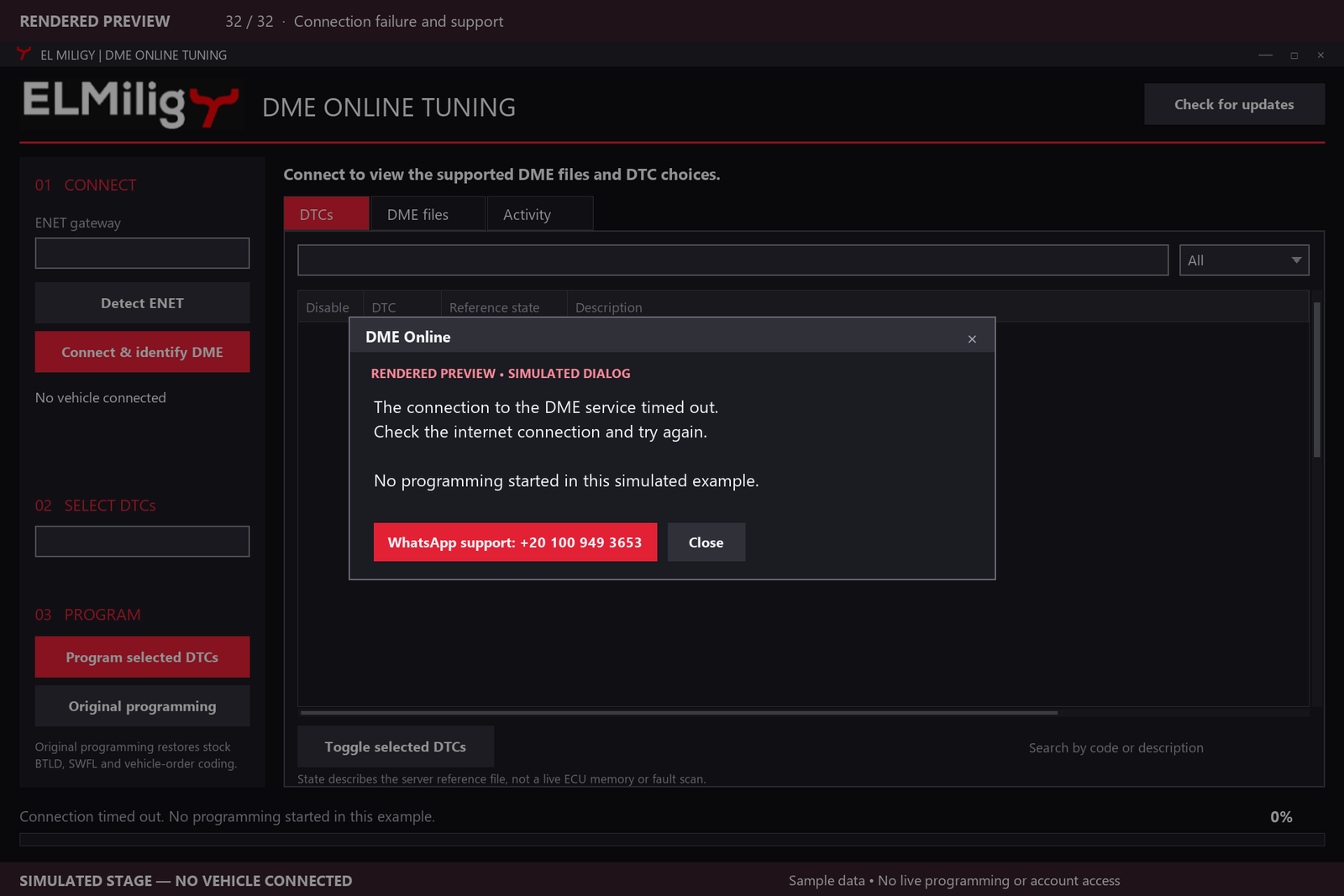
Contact El Miligy on WhatsApp at +20 100 949 3653. Include your model, year, engine, available DME identification details and the message shown by the application.